
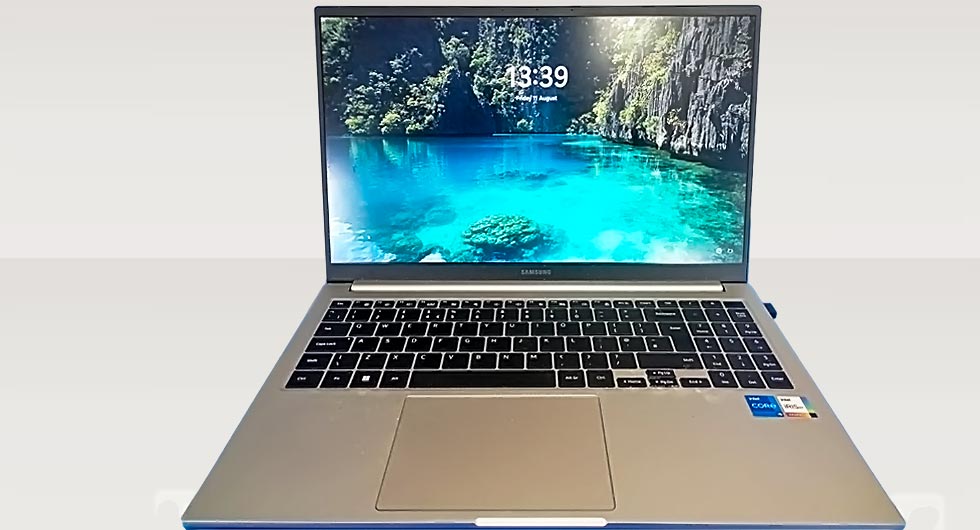
When a customer brought in their Samsung Galaxy Book MP750XED laptop, the issue initially appeared to be a standard BIOS lock. However, after a closer inspection, the root cause turned out to be far more complex. The device had suffered liquid damage directly around the BIOS chip, which triggered the lock and prevented normal system access.
Identifying the Root Cause
At first glance, BIOS locks are often assumed to be software-related or security-based restrictions. In this case, the symptoms told a different story. The laptop showed inconsistent behaviour, with intermittent power issues and failure to properly initialise hardware components.
Upon disassembly, visible signs of liquid residue and minor corrosion were found around the BIOS chip area on the motherboard. This type of damage can interfere with electrical signals, effectively “locking” the BIOS without any actual password being set.
The Repair Process
To properly resolve the issue, a full strip-down of the laptop was required. This allowed safe access to the affected components and ensured no further damage would occur during the repair.
Key steps taken:
- Complete disassembly of the laptop to expose the motherboard
- Careful inspection of the BIOS chip and surrounding circuitry
- Professional-grade cleaning of liquid residue using appropriate solutions
- Removal of corrosion to restore proper electrical conductivity
- Controlled drying and reassembly of all components
Once the cleaning process was completed, the motherboard was tested outside of the chassis to confirm stability before full reassembly.
Successful BIOS Recovery
After reassembling the device, the BIOS lock issue was no longer present. The laptop booted normally, and all system functions were restored without the need for BIOS reprogramming or chip replacement.
This outcome highlights how physical damage can sometimes mimic software faults. In this case, addressing the underlying hardware issue resolved what appeared to be a locked BIOS.
Why Liquid Damage Can Cause BIOS Issues
Liquid exposure is one of the more deceptive types of laptop damage. Even small amounts of moisture can:
- Disrupt signal pathways on the motherboard
- Cause short circuits near critical chips like the BIOS
- Lead to corrosion that worsens over time
- Trigger faults that resemble firmware or security problems
Early intervention is key. The longer liquid residue remains, the higher the risk of permanent damage.
Restoring Reliability
Following the laptop repair, the Samsung Galaxy Book was fully tested to ensure long-term stability. Performance returned to normal, and the system showed no further signs of BIOS or hardware faults.
For users, this serves as a reminder that not all BIOS issues require reprogramming or replacement. In some cases, especially where liquid exposure is involved, a thorough clean and inspection can fully restore the device. Contact us if you have a problem with any device, most times, we can offer help.